Why Accessibility Matters
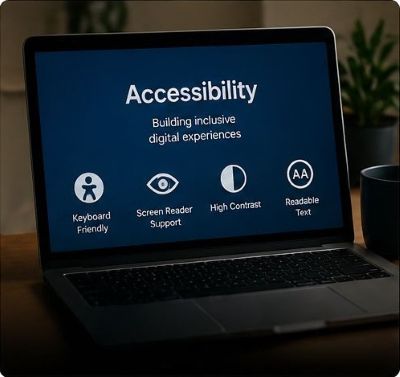
Accessible websites help users with visual, hearing, mobility, cognitive, and temporary limitations. Good accessibility also improves usability for everyone, including mobile users and people in different environments.
Web accessibility ensures that people of all abilities can access, understand, navigate, and interact with websites. Inclusive design goes further by creating digital experiences that welcome diverse users, devices, languages, and needs.
Accessible websites help users with visual, hearing, mobility, cognitive, and temporary limitations. Good accessibility also improves usability for everyone, including mobile users and people in different environments.
Inclusive design considers many different users from the start. This includes language choices, readable content, flexible layouts, keyboard navigation, and respectful user experiences for all audiences.
Following WCAG guidelines helps designers build more accessible websites.
Add descriptive alt text so screen readers can explain image content to users who cannot see images.
Ensure menus, forms, and buttons can be used without a mouse by using keyboard controls like Tab and Enter.
Use strong contrast between text and backgrounds so content is easier to read for all users.
Scroll and select a card to visit full resurce page to learn more.