What is Website Optimization?
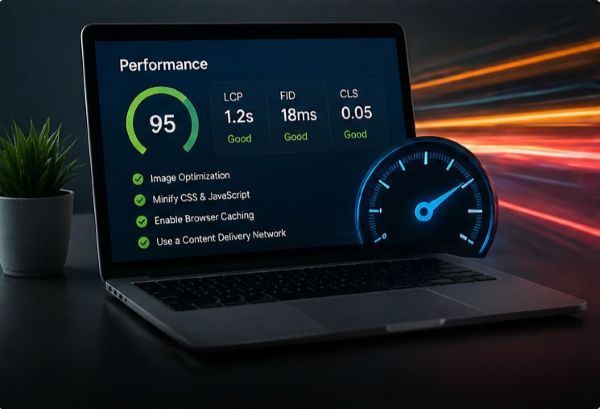
Website optimization is the process of improving page speed, file size, loading behavior, image quality, code structure, and mobile performance.
Website optimization focuses on making web pages load faster, perform smoothly, and work better across devices. Faster websites improve user experience, accessibility, and overall site quality.
Website optimization is the process of improving page speed, file size, loading behavior, image quality, code structure, and mobile performance.
Slow websites can cause users to leave before content loads. Optimized websites feel smoother, are easier to navigate, and perform better on mobile devices.
PageSpeed Insights is a free Google tool that tests website performance on mobile and desktop. It provides scores and recommendations for speed, accessibility, best practices, and SEO.
Hover over each card to reveal a solution for the performance problem.
Large images slow down loading, especially on mobile devices.
Large CSS files can delay how quickly content appears on screen.
Extra JavaScript can slow loading and make the website feel delayed.
A site may look fine on desktop but feel crowded or slow on mobile.
Too many font files or font weights can increase load time.
Without caching, browsers may reload the same files every visit.
These small code changes can improve performance and PageSpeed results.
<!-- Lazy load images below the first screen -->
<img src="images/example.webp" alt="Website preview" loading="lazy">

<!-- Defer JavaScript so HTML loads first -->
<script src="js/script.js" defer></script>Scroll and select a card to visit full resurce page to learn more.